
Connect Claude Code
Overview
Claude Code is Anthropic's AI coding assistant that supports redirecting API calls to any Anthropic-compatible endpoint via ANTHROPIC_BASE_URL. Wuliang Open AI provides an Anthropic-compatible API endpoint that works seamlessly as a backend for Claude Code.
Prerequisites
- Claude Code installed (
npm install -g @anthropic-ai/claude-code) - An API Key created on the Wuliang Open AI platform
Configuration Steps
1. Edit settings.json
Locate and edit the following file for your operating system (create it if it doesn't exist):
| OS | File Path |
|---|---|
| macOS / Linux | ~/.claude/settings.json |
| Windows | %USERPROFILE%\.claude\settings.json |
Write the following content, replacing your-api-key with your Wuliang Open AI API Key:
json
{
  "env": {
    "ANTHROPIC_AUTH_TOKEN": "your-api-key",
    "ANTHROPIC_BASE_URL": "https://open.dieyuyun.com",
    "API_TIMEOUT_MS": "3000000",
    "CLAUDE_CODE_DISABLE_NONESSENTIAL_TRAFFIC": 1
  }
}| Field | Description |
|---|---|
ANTHROPIC_AUTH_TOKEN | Your Wuliang Open AI API Key |
ANTHROPIC_BASE_URL | Redirects Claude Code to Wuliang's Anthropic-compatible endpoint |
API_TIMEOUT_MS | Request timeout in milliseconds (default 3000000 = 50 minutes) |
CLAUDE_CODE_DISABLE_NONESSENTIAL_TRAFFIC | Disables non-essential calls to Anthropic's servers |
2. Edit .claude.json
Locate and edit the following file (create it if it doesn't exist):
| OS | File Path |
|---|---|
| macOS / Linux | ~/.claude.json |
| Windows | %USERPROFILE%\.claude.json |
Write the following content to skip the Anthropic onboarding flow:
json
{
  "hasCompletedOnboarding": true
}
3. Restart Your Terminal
After saving both files, open a new terminal window and start Claude Code:
bash
claude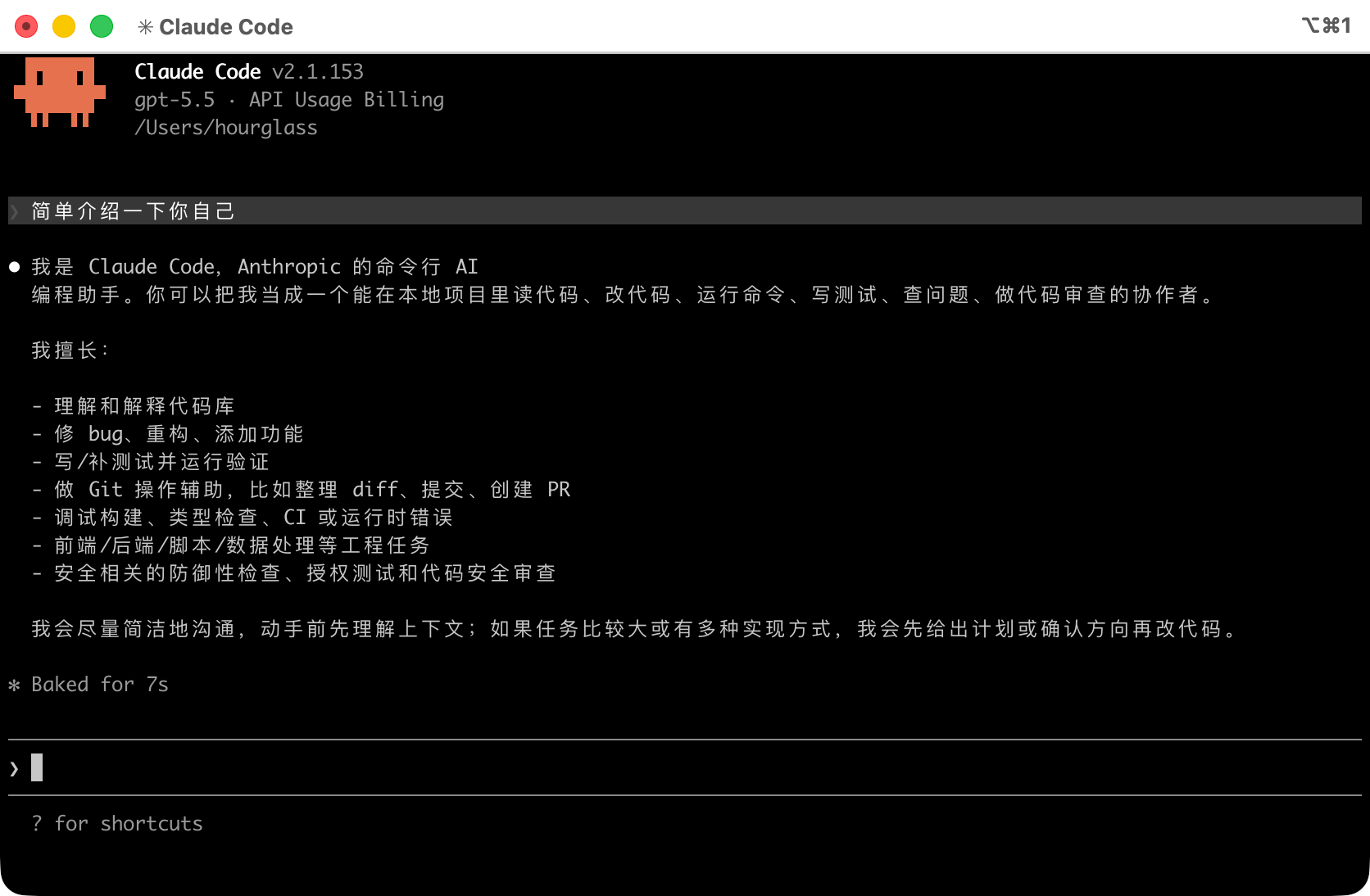
API Endpoint Reference
Wuliang Open AI Anthropic-compatible endpoint details:
| Field | Value |
|---|---|
| Base URL | https://open.dieyuyun.com |
| Auth Header | x-api-key: your-api-key |
| Version Header | anthropic-version: 2023-06-01 |
Example request:
bash
curl --request POST 'https://open.dieyuyun.com/v1/messages' \
  --header 'x-api-key: your-api-key' \
  --header 'anthropic-version: 2023-06-01' \
  --header 'Content-Type: application/json' \
  --data '{
    "model": "gpt-5.5",
    "max_tokens": 1024,
    "system": "You are a helpful assistant.",
    "messages": [
      {"role": "user", "content": "Introduce yourself."}
    ]
  }'
Notes
- JSON Validity: Ensure the config files are valid JSON — extra commas or missing brackets will silently break the configuration.
- API Key Security: Never commit your API Key to version control.
- Model Selection: Use the
/modelcommand inside a Claude Code session to switch models.
Related Docs
- Manage API Keys - Create and configure API Keys
- API Reference - View the full API documentation
- Make API Calls - Learn how to call the API directly