
Connect OpenCode
Overview
OpenCode is a terminal-based AI coding assistant that supports custom OpenAI-compatible API endpoints via a configuration file. Wuliang Open AI provides a fully OpenAI-compatible API that works as a drop-in backend for OpenCode.
Prerequisites
- OpenCode installed (
npm install -g opencode-aior see official docs) - An API Key created on the Wuliang Open AI platform
Configuration Steps
1. Edit opencode.json
Locate and edit the following file for your operating system (create it if it doesn't exist):
| OS | File Path |
|---|---|
| macOS / Linux | ~/.config/opencode/opencode.json |
| Windows | %APPDATA%\opencode\opencode.json |
Write the following content, replacing your-api-key with your Wuliang Open AI API Key:
json
{
  "models": {
    "gpt-5.5": {
      "name": "GPT-5.5"
    }
  },
  "npm": "@ai-sdk/openai-compatible",
  "options": {
    "apiKey": "your-api-key",
    "baseURL": "https://open.dieyuyun.com/v1"
  }
}| Field | Description |
|---|---|
models | Available model definitions, keys are model codes |
npm | Fixed value @ai-sdk/openai-compatible |
options.apiKey | Your Wuliang Open AI API Key |
options.baseURL | Wuliang Open AI OpenAI-compatible base URL |
2. Launch OpenCode
After saving the config file, run:
bash
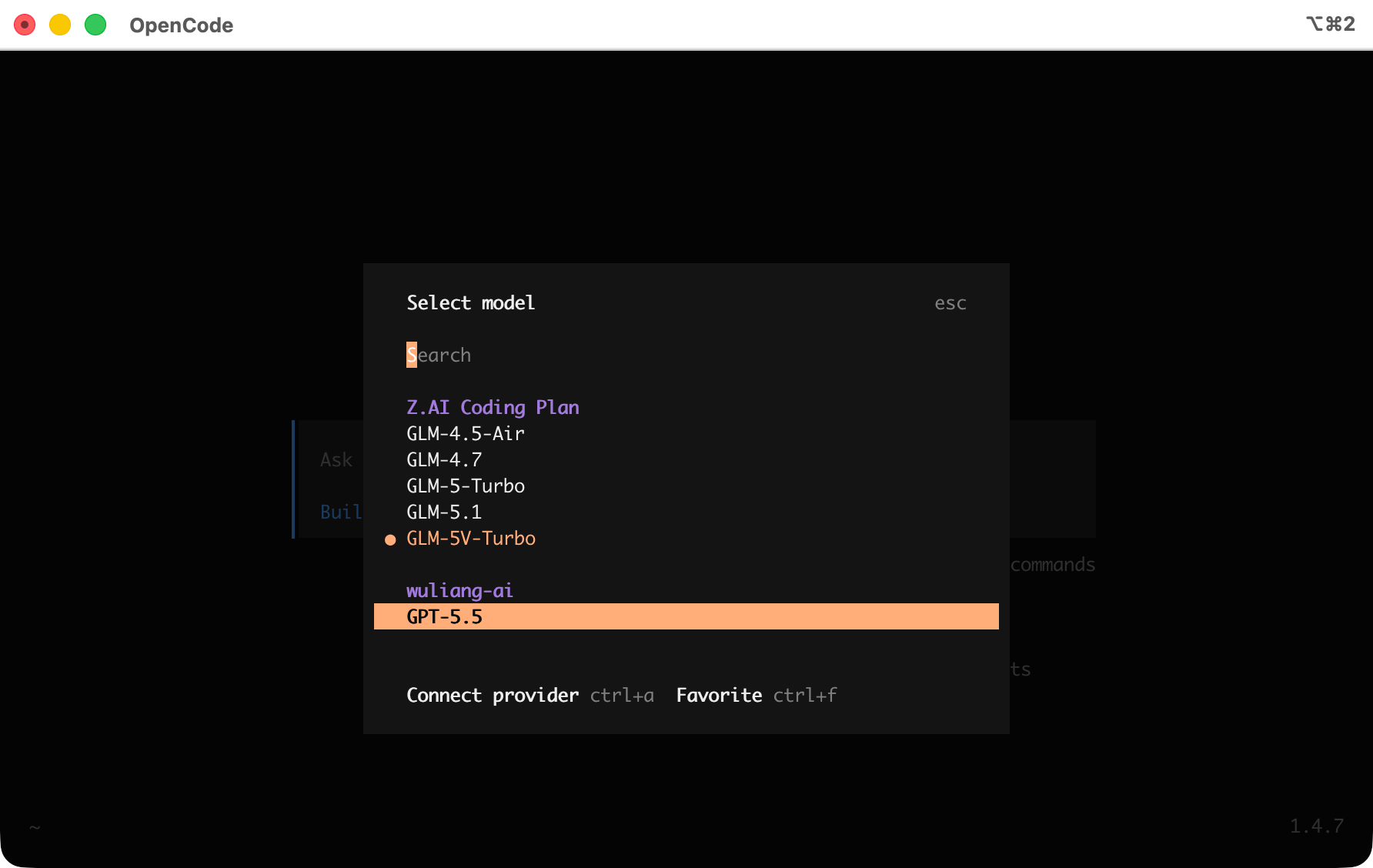
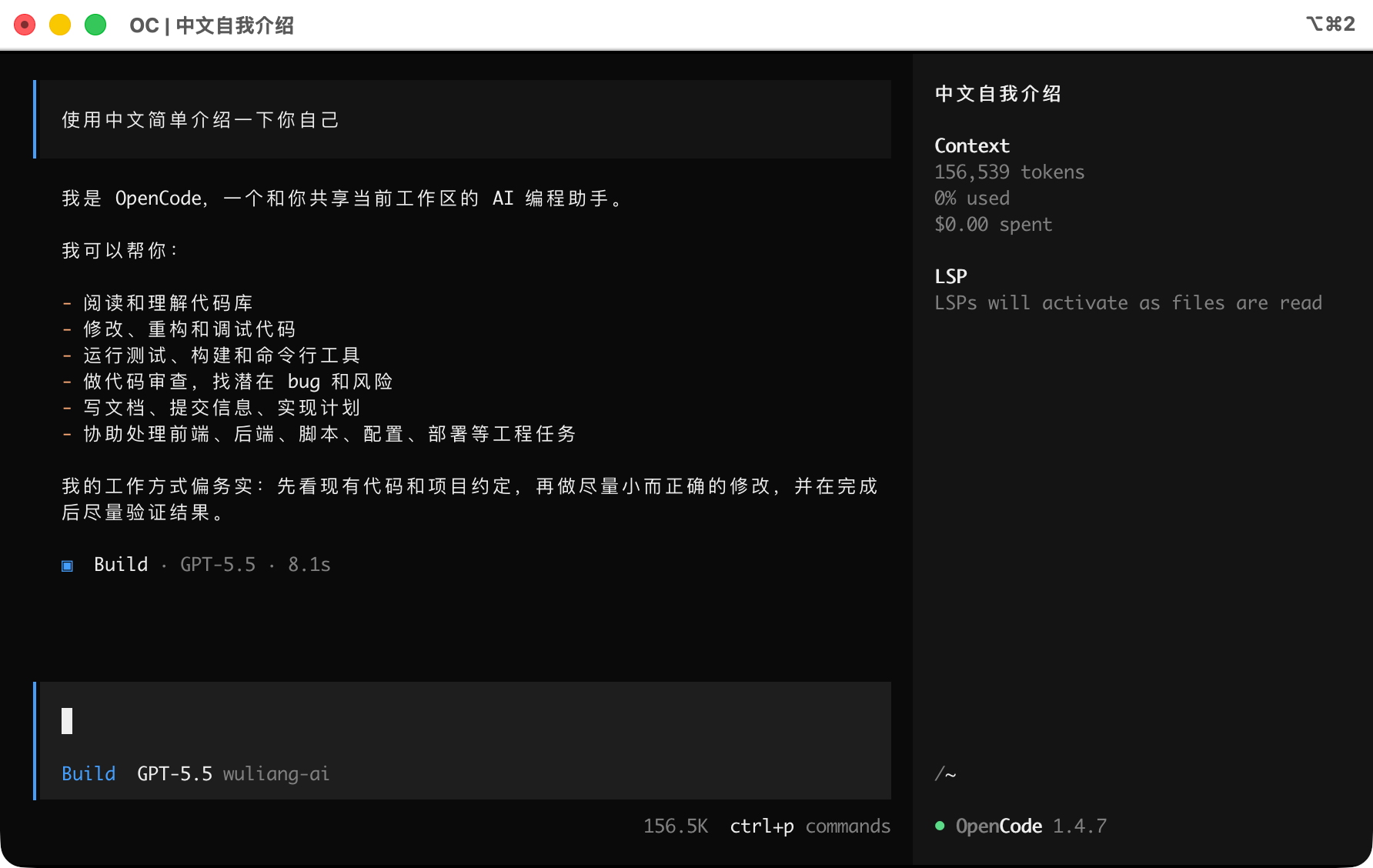
opencodeType /models inside the session to view and switch between available models.
API Endpoint Reference
Wuliang Open AI OpenAI-compatible endpoint details:
| Field | Value |
|---|---|
| Base URL | https://open.dieyuyun.com/v1 |
| Auth Header | Authorization: Bearer your-api-key |
| Format | JSON |
Example request:
bash
curl --request POST 'https://open.dieyuyun.com/v1/chat/completions' \
  --header 'Authorization: Bearer your-api-key' \
  --header 'Content-Type: application/json' \
  --data '{
    "model": "gpt-5.5",
    "messages": [
      {"role": "system", "content": "You are a helpful assistant."},
      {"role": "user", "content": "Introduce yourself."}
    ],
    "temperature": 0.7,
    "max_tokens": 1024
  }'
Notes
- JSON Validity: Ensure the config file is valid JSON.
- Model IDs: The
models[].idfield must exactly match the model codes listed on the Models & Pricing page. - API Key Security: Avoid committing
opencode.jsonto version control if it contains your API Key. Consider passing the key via theOPENAI_API_KEYenvironment variable instead.
Related Docs
- Manage API Keys - Create and configure API Keys
- Models & Pricing - Browse available models and pricing
- API Reference - View the full API documentation